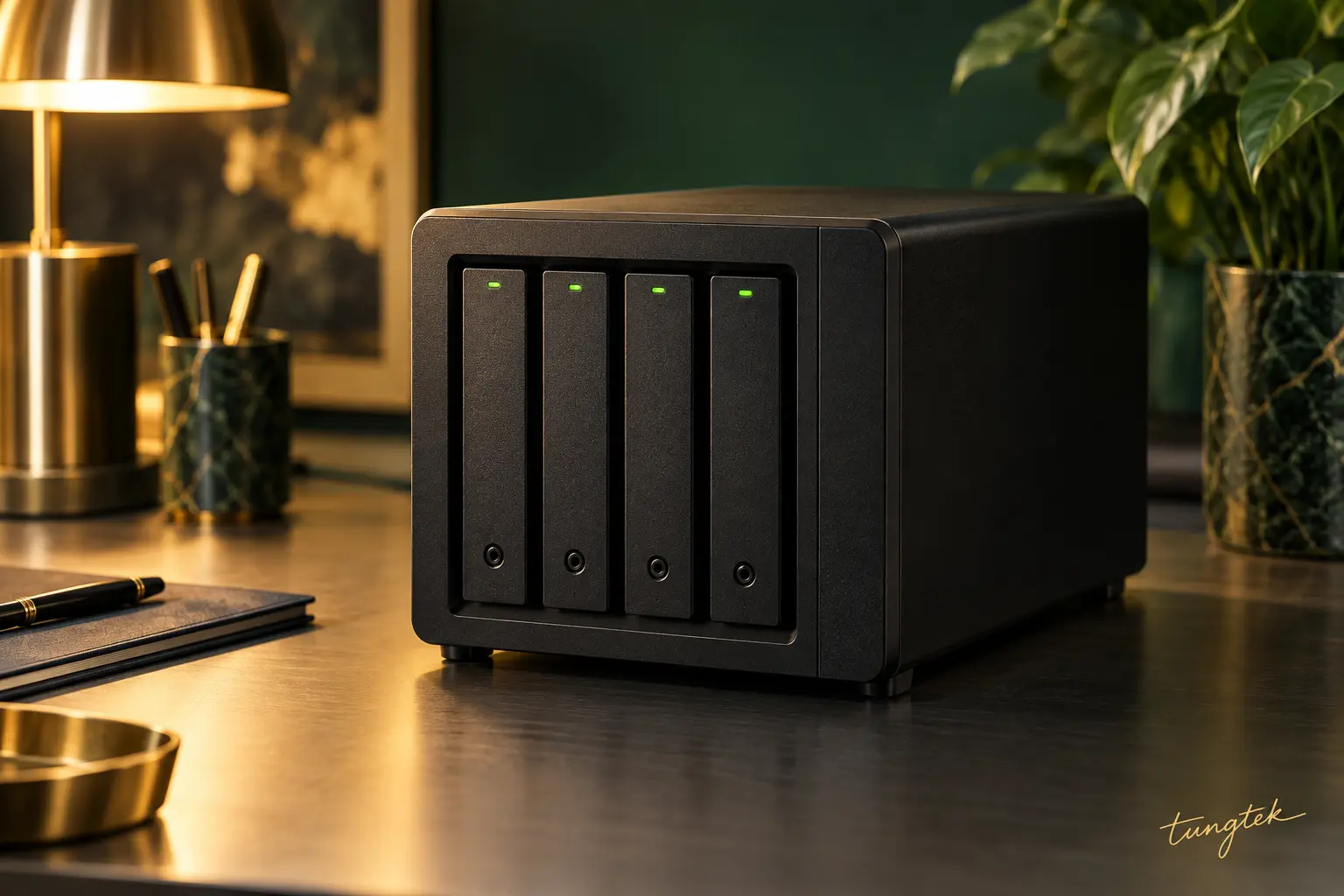
From office NAS to storage architectures designed at the thousand-TB scale. TEKNas supports businesses with storage, backup and ongoing data management.
Models are references; TEKNas confirms availability and configuration before quoting. Drives, memory, licenses and features depend on each model. RAID, system files and reserve capacity reduce usable storage below the sum of drive capacities.
02 / WHY NAS?
Central data. Connected work.
Network attached storage gives teams a shared place for files, clear access rights and planned backups.
Keep data at your business. Connect securely when needed.
01
One shared data hub
Bring documents, photos, video and project data together instead of scattering files across devices.
02
Clear access controls
Set permissions by user, team and folder; revoke access when roles change.
03
Scheduled backups
Automate backups and versions under a defined policy, with less manual work.
04
Collaboration across locations
Enable controlled access and sharing through a secure connection for remote work.
05
Performance for the workload
Select HDDs, SSDs, RAM and networking for actual workloads, from office files to video and VMs.
06
Planned expansion
Plan for data growth, retention and operating cost from the design stage.
03 / END-TO-END TEKNAS
From your first NAS to a custom architecture.
Device selection, backup design and management in one plan, starting from your business needs.
01 / BUSINESS NAS
The right system for the job.
Review data and applications, then select NAS, drives, networking and UPS for the budget.
Design for usable capacity
Configure sharing and permissions
Migrate, verify and hand over data
02 / BACKUP & RECOVERY
A copy and a route back.
Combine on-site and off-site backups based on retention and the importance of each dataset.
Define acceptable data loss
Set recovery time targets
Verify backups and test restores
03 / MANAGED OPERATIONS
Clear operations. Active monitoring.
Monitor drive health, capacity and backup jobs under the agreed service scope.
Update systems and review access
Review alerts, logs and incidents
Report status and recommend upgrades
Expandable storage illustration
CUSTOM NAS / CUSTOM DESIGN
Special requirements. A tailored design.
Large film and photo libraries, engineering data, virtual machines and multi-site systems call for architecture designed around the workload.
1.000+TB design scale
Scale with storage servers, disk enclosures or clusters. Select networking, SSD/HDD tiers, redundancy and recovery after assessment.
A thousand-TB scale is a project design; raw capacity, usable capacity and backup copies are calculated separately in the proposal.
01
Assess
Data · applications · growth
02
Design & quote
Configuration · scope · cost
03
Deploy & hand over
Set up · verify · train
04
Manage & optimize
Monitor · back up · expand
04 / TEKCLOUD BACKUP
An off-site copy. Peace of mind close at hand.
Off-site backup for organizations with large datasets, from hundreds of TB to PB-scale, scoped as an individual project.
100 TB → PB
Work with an existing NASPlan backup jobs, retention and connectivity around the source system.
Protect copies in layersDesign encryption and separate access; consider immutable or offline copies when supported.
Plan the way backAssess bandwidth, initial seeding, storage cost and restore paths.