
01
2D drawing & editing
Create lines, polylines, circles and basic geometry, using object snaps and editing commands to develop technical drawings.
TEKSOFT BY TUNGTEK · ENJICAD
2D/3D CAD design for engineers and Vietnamese businesses.
Developer: CIC Technology & Consultancy JSC · Vietnam
Reference price. Contact us to confirm the selling price, VAT, documentation and licensing terms in a formal quotation.
01 / OVERVIEW
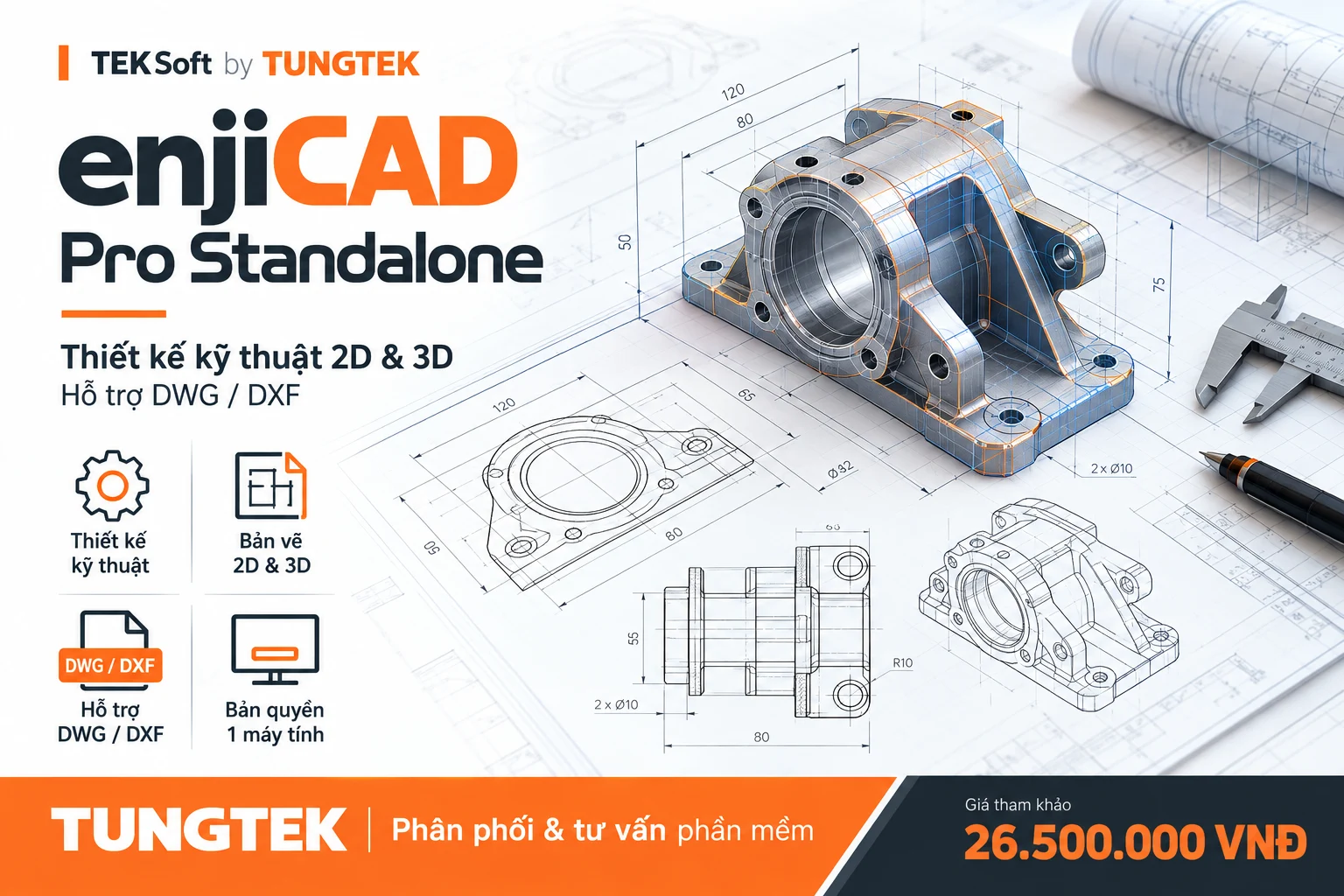
Developed by CIC in Vietnam, enjiCAD is computer-aided design software. The Professional edition supports creating, editing, organising and printing technical drawings, alongside tools for working with 3D models.
DWG/DXF support and Ribbon/Classic workspaces make enjiCAD an option to evaluate when standardising CAD tools. Test representative drawings, fonts, Xrefs and extensions before migrating a workflow.
02 / CORE CAPABILITIES
Based on CIC documentation and the Professional datasheet; exact scope is checked against the delivered release.
Create lines, polylines, circles and basic geometry, using object snaps and editing commands to develop technical drawings.
Basic tools for creating and editing solids, changing display modes, viewing and rotating objects in 3D space.
Open, create and save widely used drawing formats. Validate specialised data and format versions using sample files before wider deployment.
Organise objects in layers, create reusable blocks, and add dimensions and annotations for readable, consistent drawings that are easier to edit.
Prepare layouts, page settings, scales and lineweights; export PDF and organise drawing deliverables for the task.
Package drawings with required references and fonts using e-transmit. Assess extension compatibility for the supplied release.
03 / TECHNICAL PERSPECTIVES
These images explain CAD concepts; they are not application screenshots or evidence of real projects.
04 / LICENSING & REQUIREMENTS
Perpetual licence for the supplied release; specific terms follow the contract and delivered licence certificate.
The vendor describes online or email activation. When changing PCs, follow the licence transfer process before activating another computer.
Support duration, upgrade entitlement and transfer charges are confirmed in the quotation. Perpetual use does not mean every future upgrade is free.
RAM, disk and display figures are baselines from public documentation, not a configuration guarantee for every enjiCAD release. TUNGTEK checks the release, operating system and sample files during consultation.
TUNGTEK · SOFTWARE SERVICES
TUNGTEK advises on software selection and coordinates supply and deployment for your needs. Supply, documentation and support scope are confirmed before an order.
Discuss your requirementsMatch capabilities to workflows and sample files.
Confirm release, usage rights and handover documents.
Plan installation, activation and settings as agreed.
Agree support scope, duration and ownership.
05 / FAQ
Yes, the vendor documents these formats. Test actual drawings and format versions when using custom fonts, Xrefs, specialised objects or extensions.
Standalone is a single-PC licence. Network manages concurrent use through a server according to the purchased licence count. This page covers Pro Standalone; Network requires a separate configuration and quotation.
The vendor describes a transfer process. Follow its instructions and confirm the entitlement for your licence; this does not imply simultaneous activation on two PCs.
Not automatically. Use of the licensed release and upgrade entitlement are separate terms. Support, maintenance and upgrade duration must be specified in the quotation and handover documentation.
Provide the Windows version, CPU/RAM/GPU specification and representative drawings you are authorised to share. TUNGTEK coordinates installer and deployment checks; this product page does not request confidential file uploads.
This is a reference price, not a fixed offer. Contact 0963 509 115 to confirm transaction price, VAT/documentation, supply, release and support scope before purchase.
TEKSOFT BY TUNGTEK
🇻🇳 Data incident? Call TUNGTEK.