
Radmin VPN 2026: Turn the Internet into a Virtual LAN — A Practical Guide for Users and IT Teams
Radmin VPN 2026 guide: setup, virtual LANs, games, RDP, file sharing, firewall rules, Direct/Relay connections and Windows troubleshooting.
📌 #TEKLink209 — https://link.tungtek.com/209
Start the guide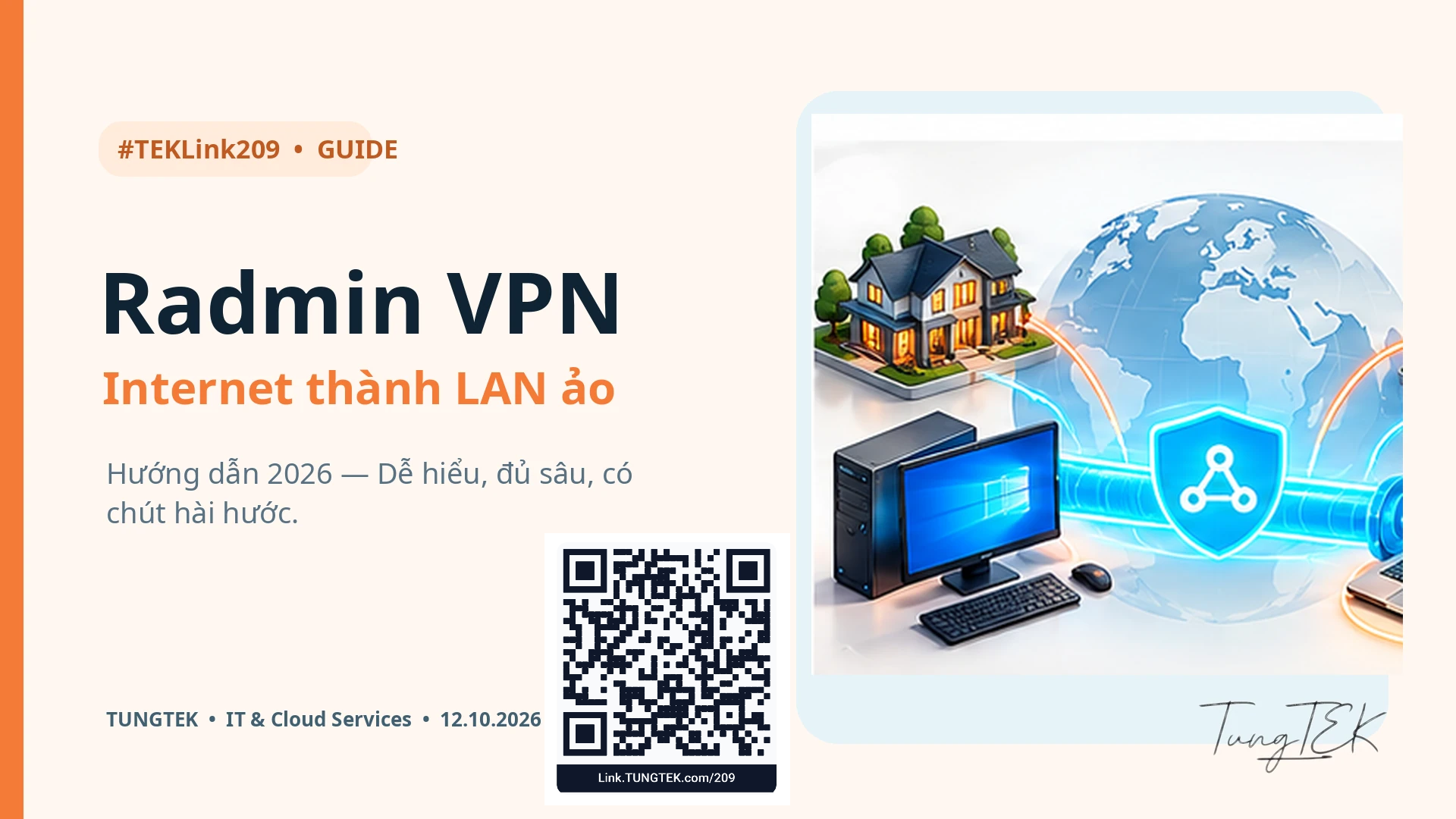
Article contents
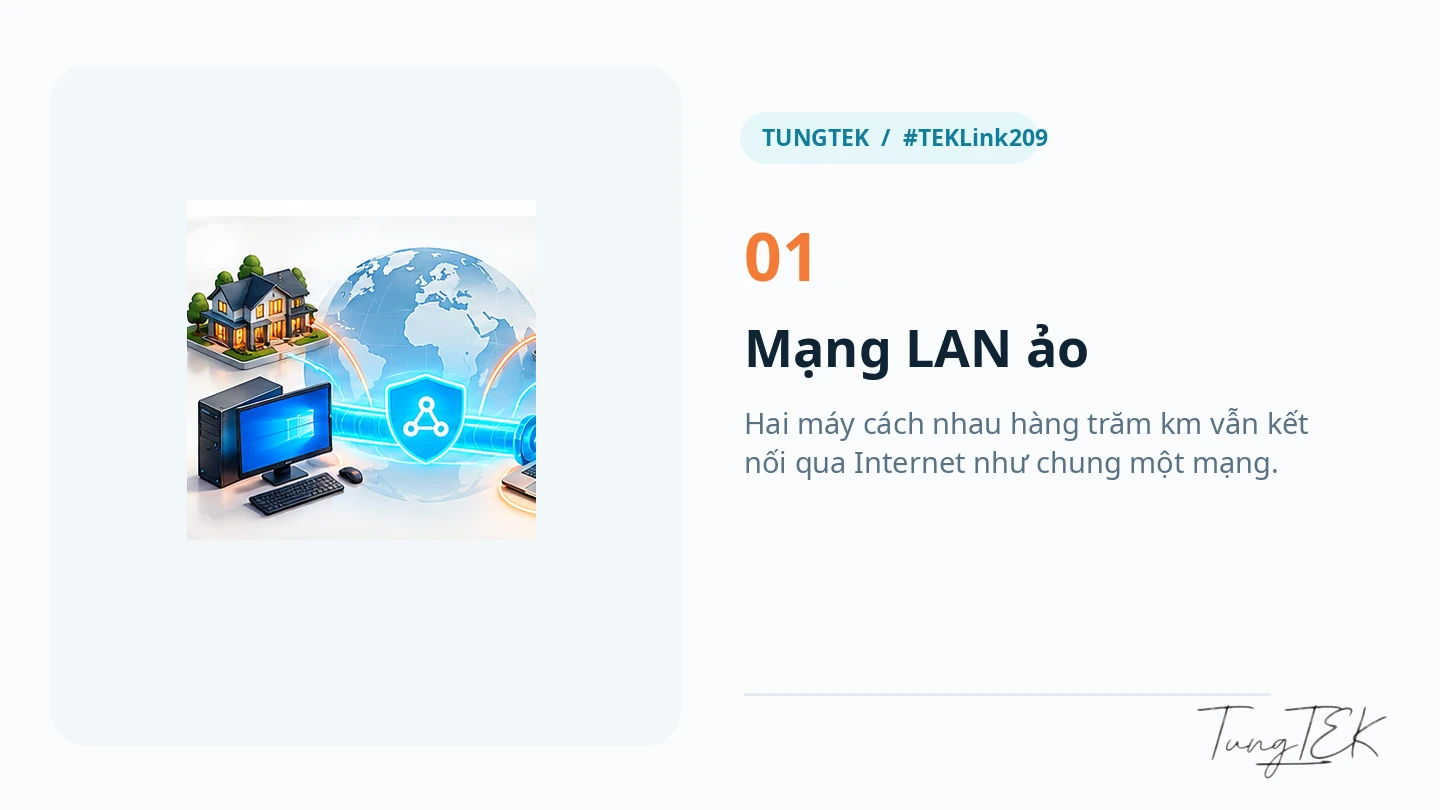
Your PC is in the office, your teammate is in another city, and it is already 11 pm. Traditionally, remote access starts with port forwarding, NAT settings and hoping the Internet provider will leave your address alone. Radmin VPN offers a simpler starting point: a virtual LAN that lets Windows computers communicate across the Internet.
This article updates Tùng's earlier Radmin VPN guide with the questions that matter in 2026: Windows 11, RDP, file sharing, LAN games, Direct versus Relay/TCP, and security. A VPN can help two computers see each other; it does not mean every peer should be able to see your D: drive.
The 30-second overview
What does Radmin VPN do? It creates a virtual LAN between Windows computers, allowing applications to connect through virtual IP addresses when service permissions and firewall policy allow it.
Is it free? Famatech describes Radmin VPN as free, without advertisements or paid features. Its separate Radmin remote-control product has its own commercial terms.
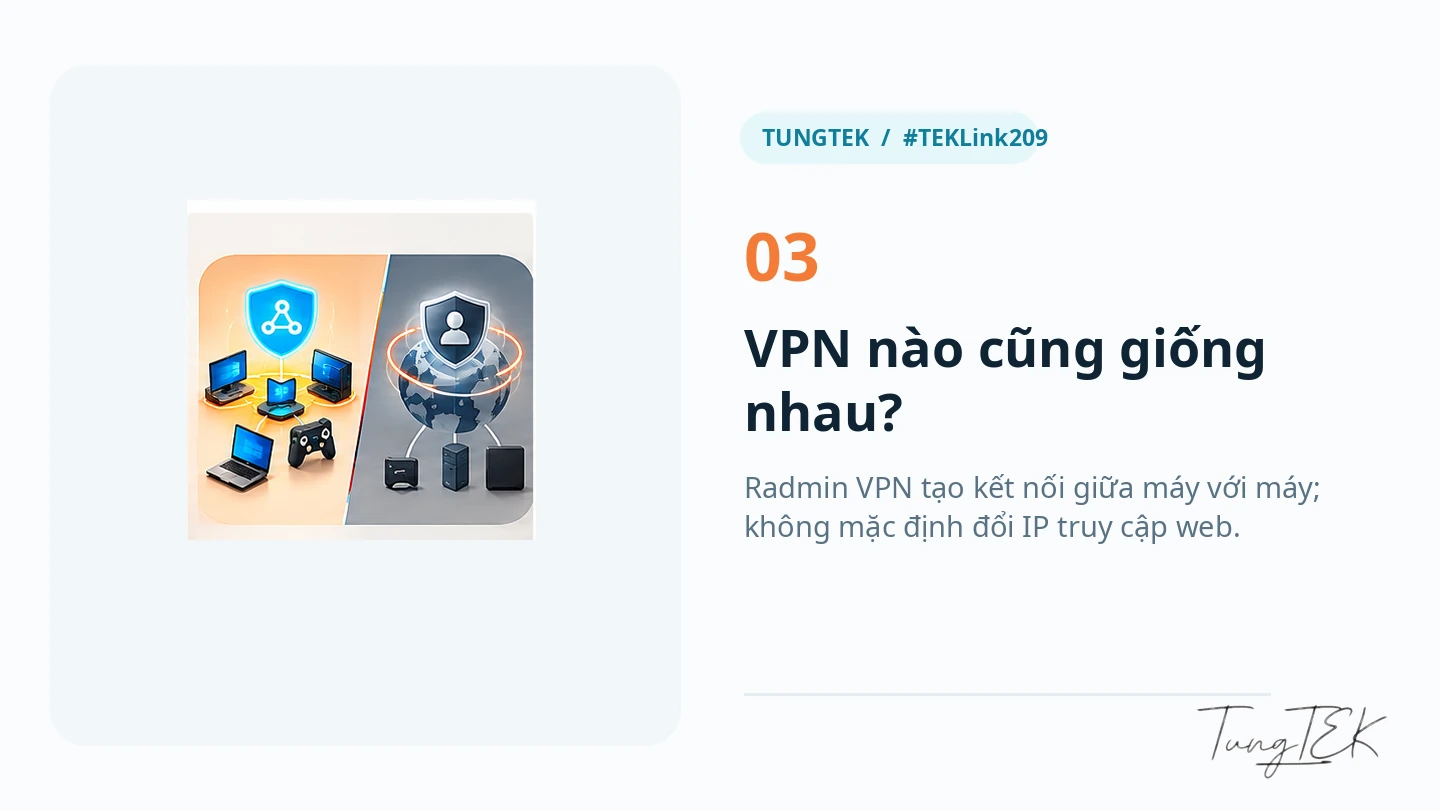
Does it change my public browsing IP? Treat it as device connectivity, rather than a consumer anonymity or country-switching VPN service.
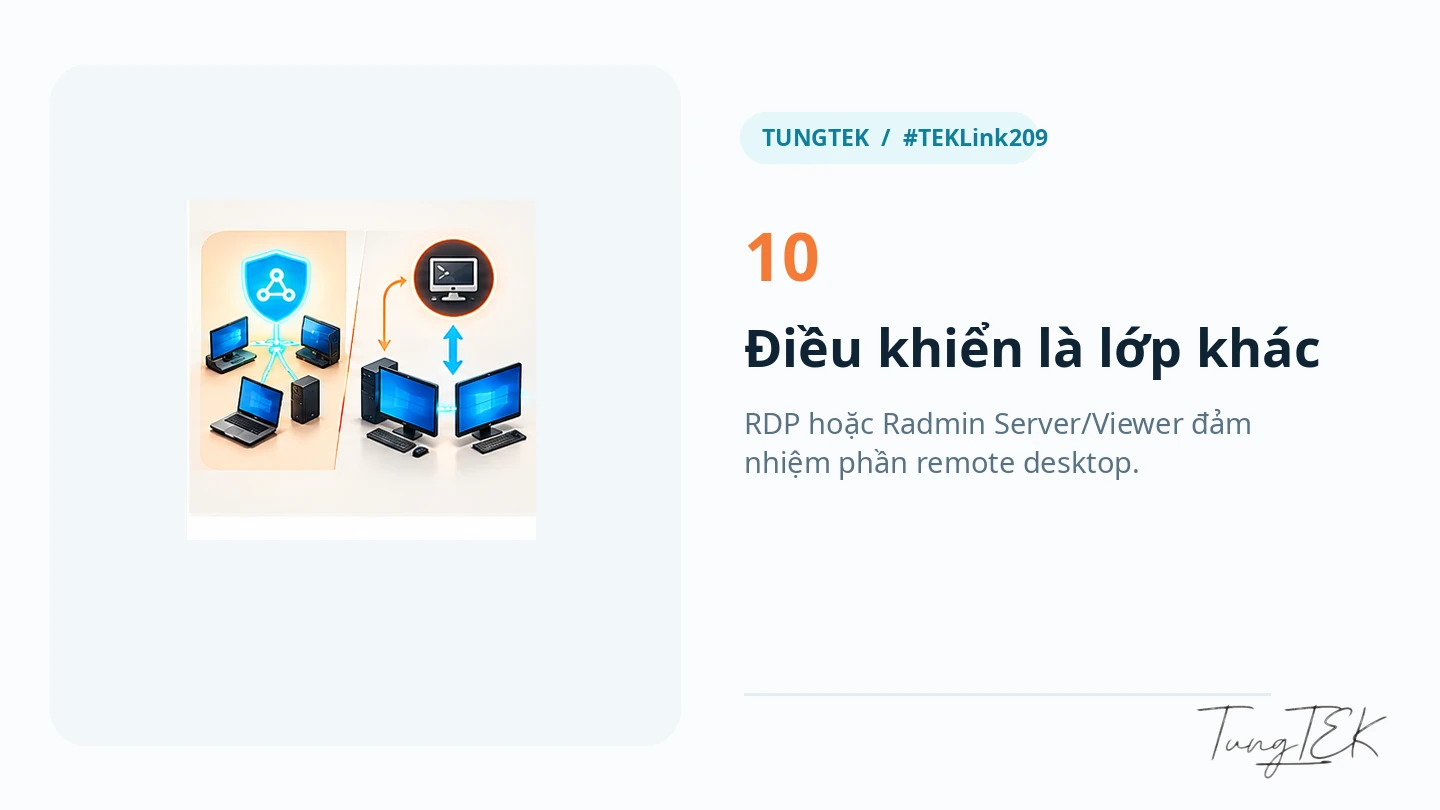
Does it control another desktop? You still need an appropriate tool, such as Windows RDP or Radmin Server/Viewer, configured independently.
1. What is Radmin VPN?
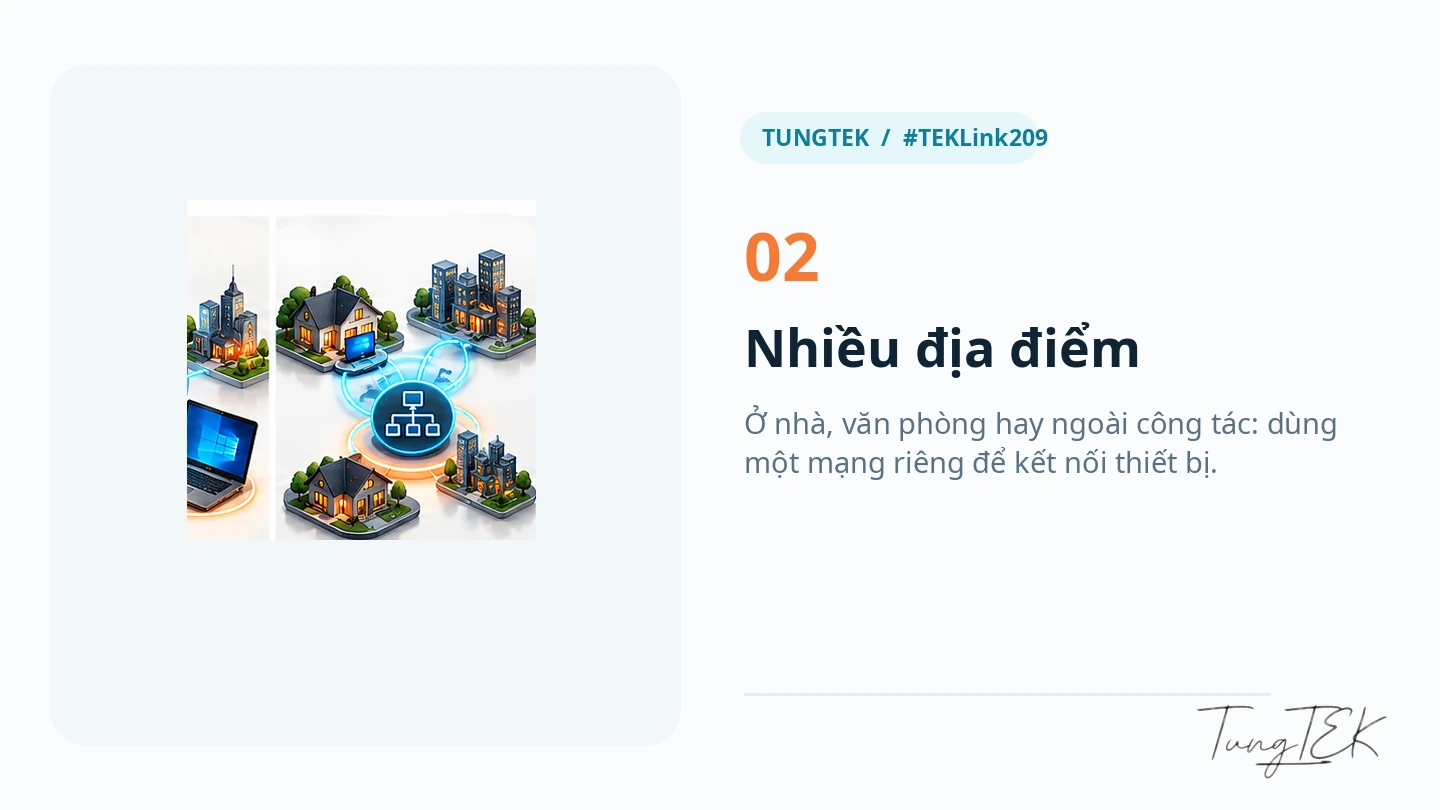
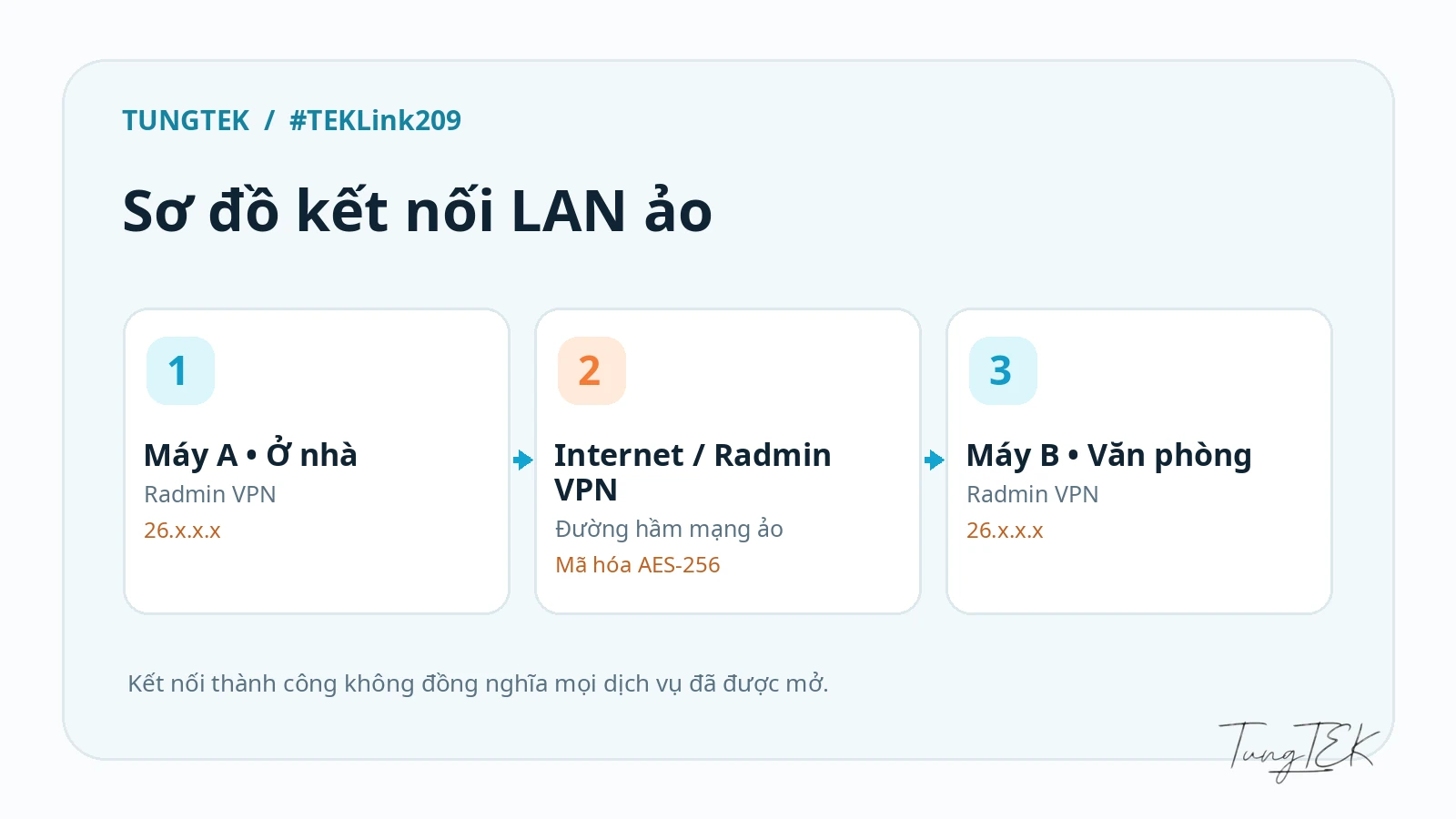
Radmin VPN, developed by Famatech, creates a virtual LAN. Computer A and computer B can be in different buildings, Wi-Fi networks or cities and still communicate through a virtual network when they join the same network and the relevant services permit access. The software installs a virtual Windows network adapter and provides a virtual IP address for applications to use.
The term VPN covers different products and purposes. Radmin VPN focuses on connecting devices. It should not be assumed to route all web browsing through another country, and it does not automatically grant access to internal services. Think of a bridge between two houses: it makes travel possible, while each owner still decides which doors to unlock.
The official website lists Windows 7, 8, 10 and 11, automatic updates, and end-to-end AES-256 encryption. These are vendor descriptions; they are not an independent guarantee for every deployment. Although Windows 7 remains in the compatibility list, it is outside mainstream security support and is unsuitable for a new sensitive deployment. Software compatibility and operating-system support are separate questions.
2. Download and install the official software
Download directly from radmin-vpn.com. There is little reason to hunt for a cracked edition of software that is already free. A little care at download time can save a much longer repair session later.
- Open the official website and choose Free Download.
- Run the installer, review its permission requests and complete installation.
- Allow installation of the Famatech Radmin VPN virtual network adapter if Windows requests it.
- Open Radmin VPN, check the service power button and confirm its Online status.
- Use the current version distributed by the application on both PCs. An installer version mentioned in an old guide is not evidence of the latest release.
For IT teams: Open ncpa.cpl, or Settings → Network & Internet → Advanced network settings, to distinguish the virtual adapter from physical Wi-Fi and Ethernet interfaces.
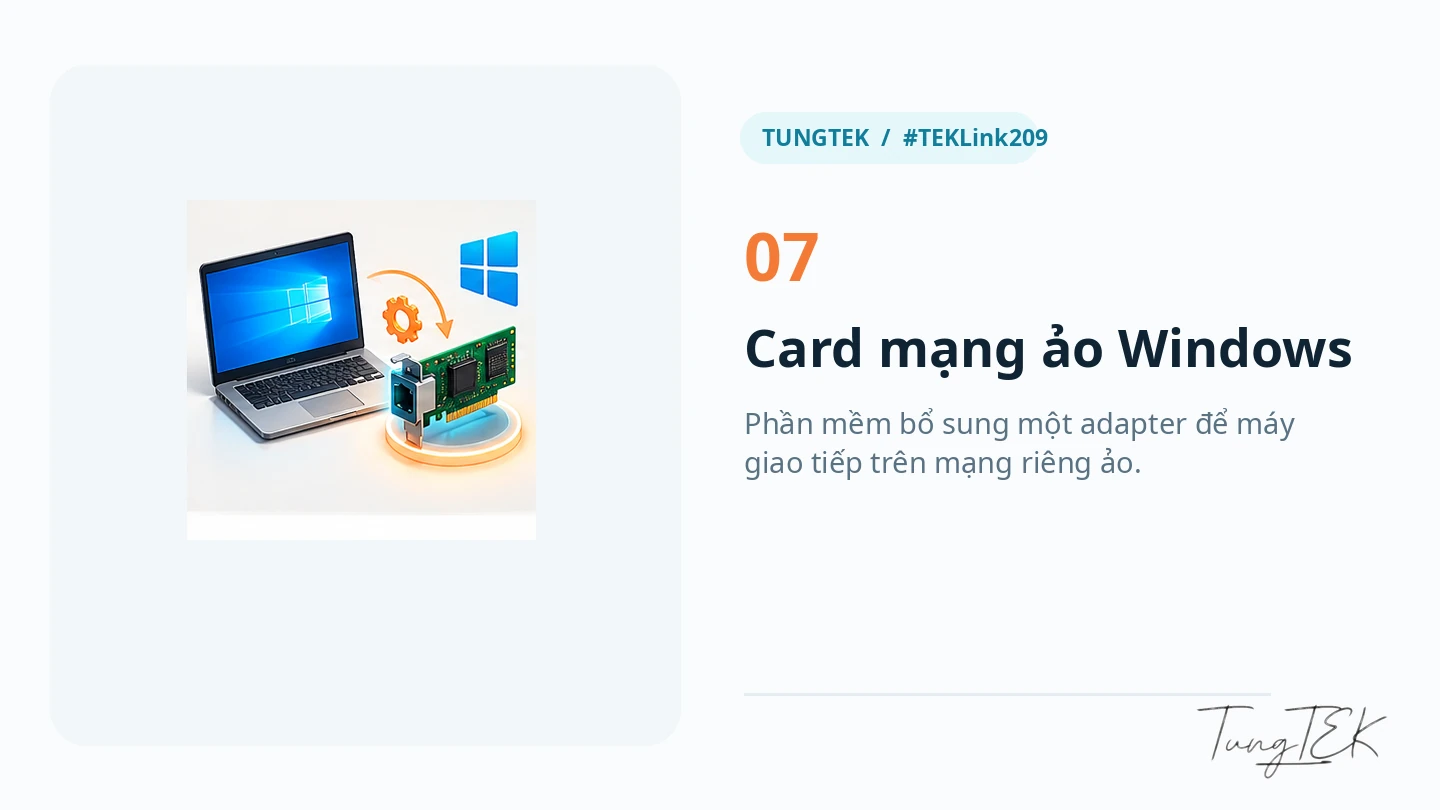
For Service not started, try the round service power button described in the official help. For adapter errors, inspect the driver, service, other VPN software and Windows updates before reinstalling. Disabling all antivirus or firewall protection is not a default installation step; any temporary diagnostic exception should be controlled under the organization's IT policy.
Windows 10 22H2 reached the end of standard support on 14 October 2025. ESU enrollment and LTSC editions have separate eligibility and lifecycle conditions. Check the applicable Microsoft lifecycle and ESU documentation before deployment.
3. Create a private network and join it
On computer A, select Create Network, choose an identifiable network name and a strong password, then create the network. TUNGTEK-LAB-DEMO is an illustrative name only; it is not an actual TUNGTEK network.
On computer B, select Join Network and enter the exact name and password supplied by the network owner. Authorized members should then appear in the network list. The basic setup is the same whether the PCs are in one room or two different cities.

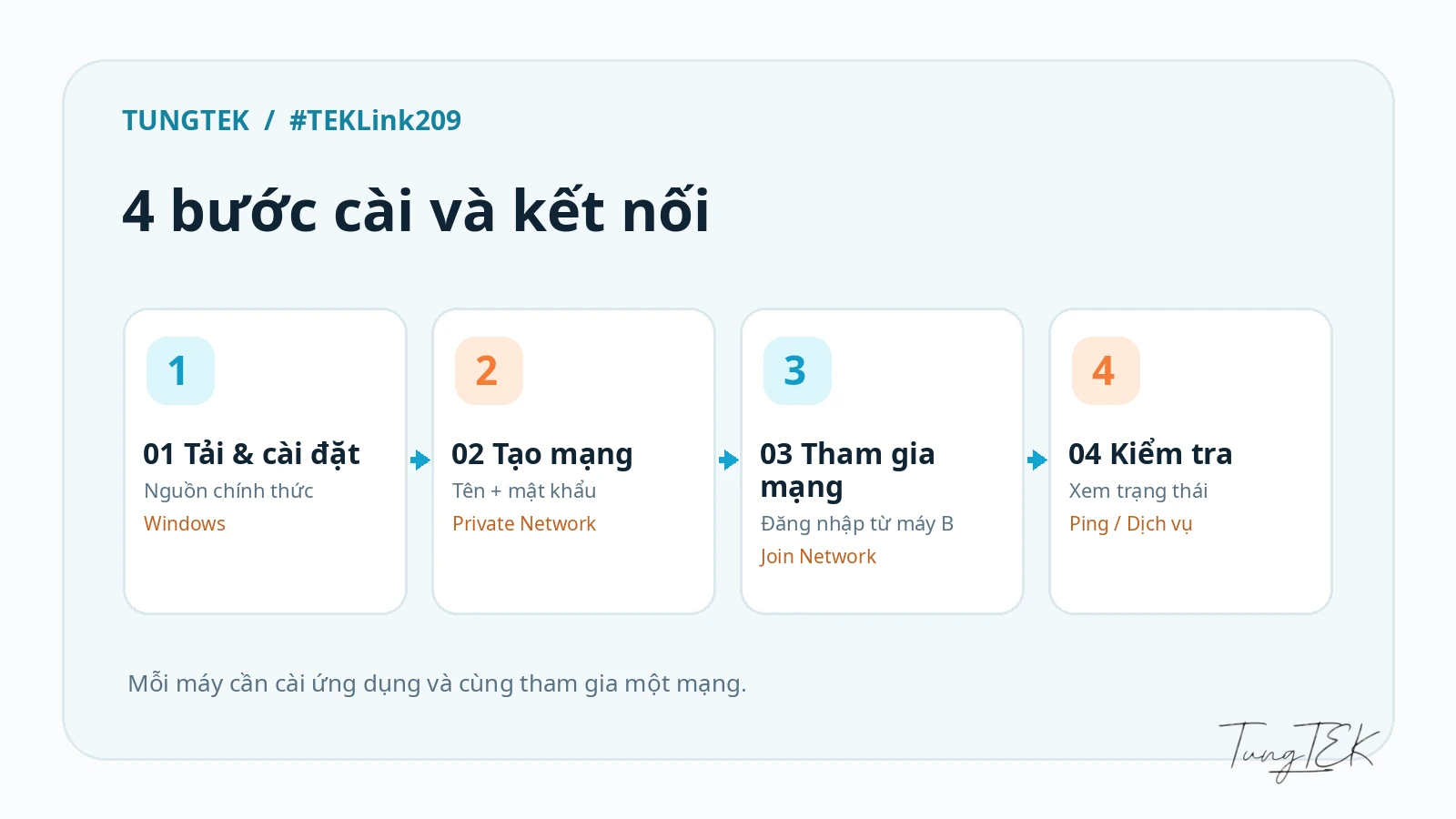
Use a private network for work. Avoid open membership or unfamiliar join requests unless they serve a deliberate purpose. Membership of a virtual LAN is still access to a network scope that you need to manage.
4. Test connectivity beyond the green status indicator
After both PCs join the network, note the virtual IP address shown by Radmin VPN. The official guide describes right-clicking a peer and choosing Ping. You can also inspect Windows networking:
ipconfig /all
ping 26.12.34.56
26.12.34.56 is an illustrative address. Replace it with the actual peer's virtual IP. No ping response does not prove the VPN is broken: a firewall may block ICMP while permitting the TCP service you need. Check Online status, the adapter and the intended service.
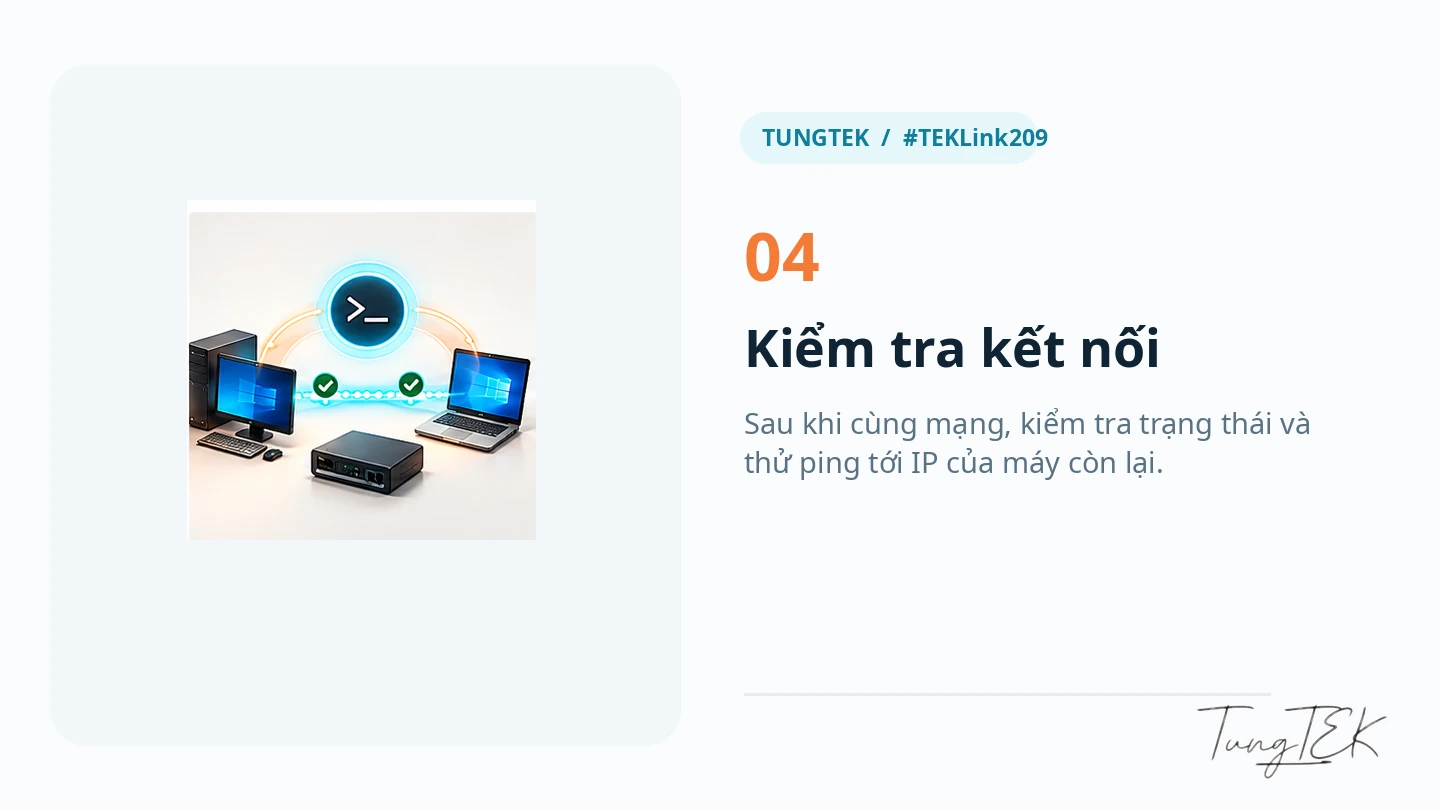
To test the usual RDP TCP port on the peer, run these commands in PowerShell:
Test-NetConnection 26.12.34.56 -Port 3389
Get-NetAdapter | Where-Object Name -Match 'Radmin'
TcpTestSucceeded: True means the tested TCP port was reachable at that time. It does not prove that credentials, login rights or authentication policy are correct. Use the actual configured service port if it differs from the example.

5. Remote desktop is a separate layer
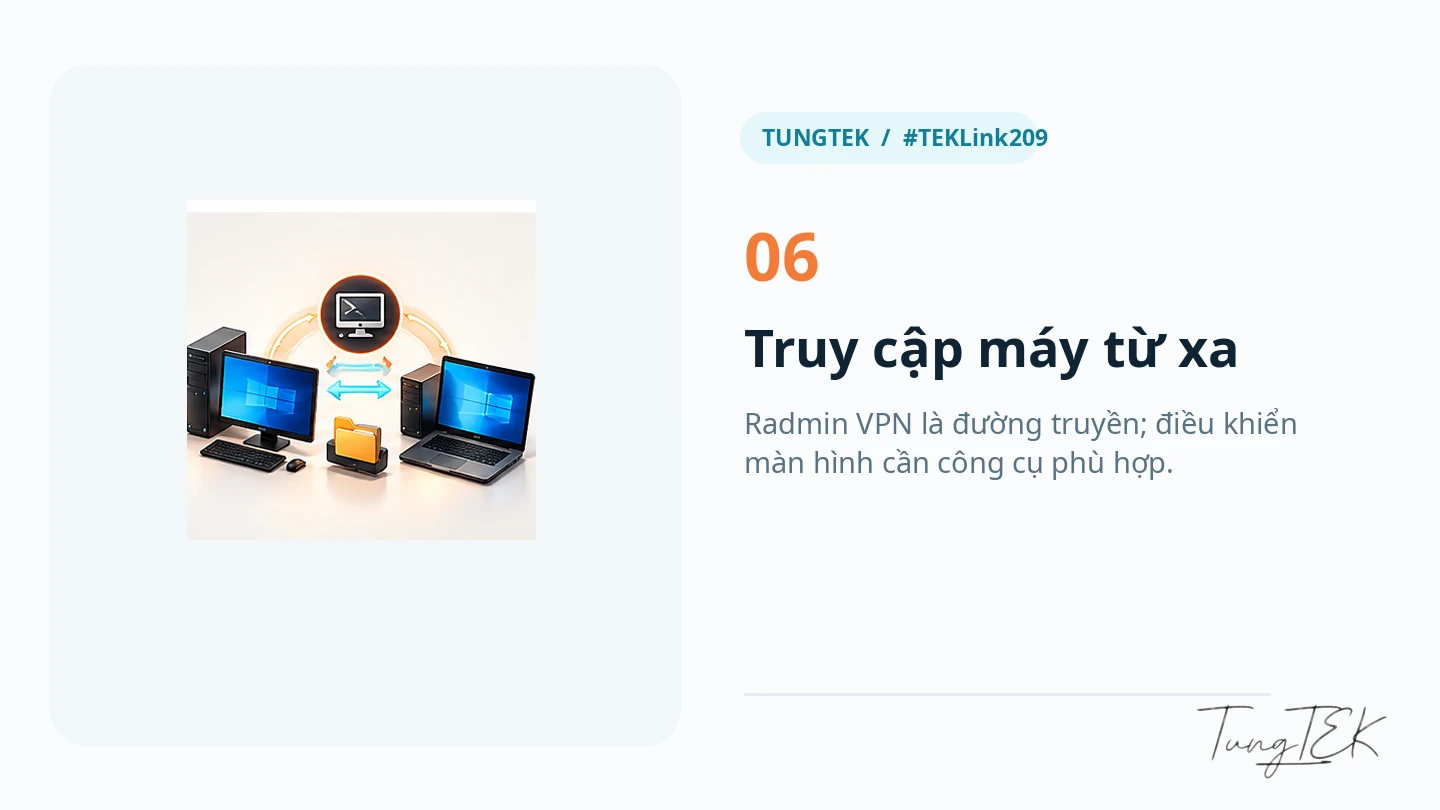
Radmin VPN provides connectivity. Radmin Server runs on the computer being controlled, while Radmin Viewer runs on the controlling side. Radmin Server is a separate commercial product. The official help describes installing Server, configuring a user and permissions, and connecting through the virtual network.
Windows Remote Desktop (RDP) is another option when the target has a supported host edition, Remote Desktop is enabled and policy permits it. Enter the virtual IP in the Remote Desktop client. Installing Radmin VPN does not enable RDP automatically. Windows Home does not provide the built-in RDP host role by default; consult Microsoft's supported host configurations.
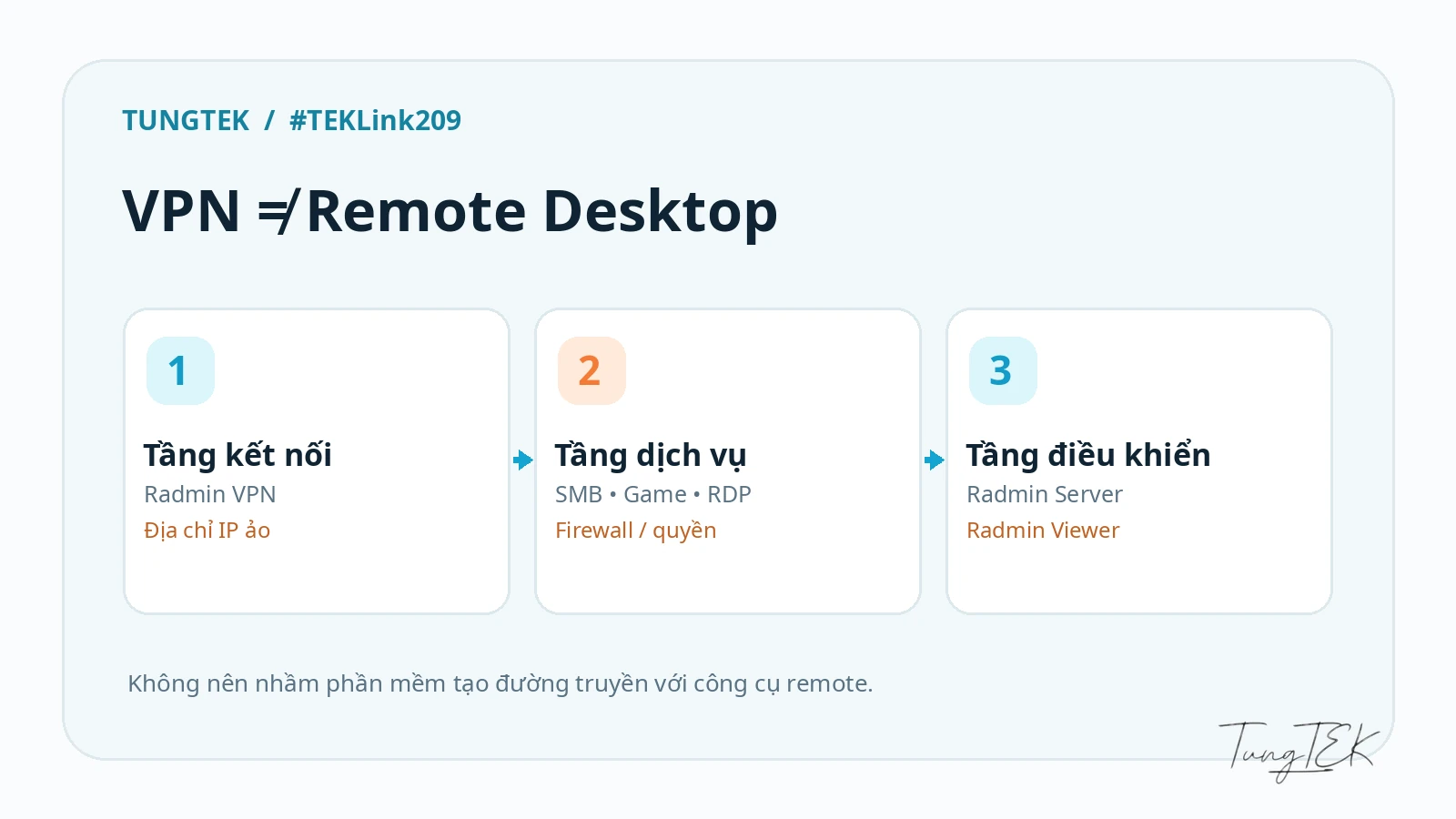
IT guidance: Expose only the necessary application or port, limit permitted source addresses and interfaces, use strong credentials, keep Windows updated, enable NLA for RDP, and restrict remote-login rights.
6. Share files on the appropriate private network
When connectivity, authentication and firewall policy permit it, a Windows SMB share might be accessed as \\26.12.34.56\DuLieuChung. The destination must actually share that folder, and the connecting account needs both share and filesystem permissions. Do not expose an entire system drive or grant Everyone Full Control just to make a quick test pass.
Gaming Networks are different: Famatech says its public Gaming Networks have an always-on firewall blocking common Windows services, including shared folders. Use an appropriate private work network and scoped permissions instead of attempting to bypass those protections. See Radmin VPN Security.
7. Play compatible LAN games over the Internet
Have all players join the same virtual network, use matching game versions, permit the game's required traffic through the firewall, and let one player host the session.
If discovery does not show the session, check whether the game supports Join via IP / Direct Connect and use the host's virtual address. Broadcast or multicast discovery may behave differently from a physical Ethernet LAN depending on the game and network configuration.

A virtual LAN does not repair a weak Internet connection. Latency, jitter and throughput still depend on the network path, game software and host resources. This article promises no particular speed or ping.
8. Understand Direct and Relay/TCP
Radmin VPN can show Relay/TCP when it cannot establish a direct connection between the endpoints. A relay forwards traffic through an intermediary, which can affect latency and throughput. Inspect NAT, firewall layers, other active VPNs and ISP policy. The official help also identifies ISP conditions as a possible reason for relay connections.
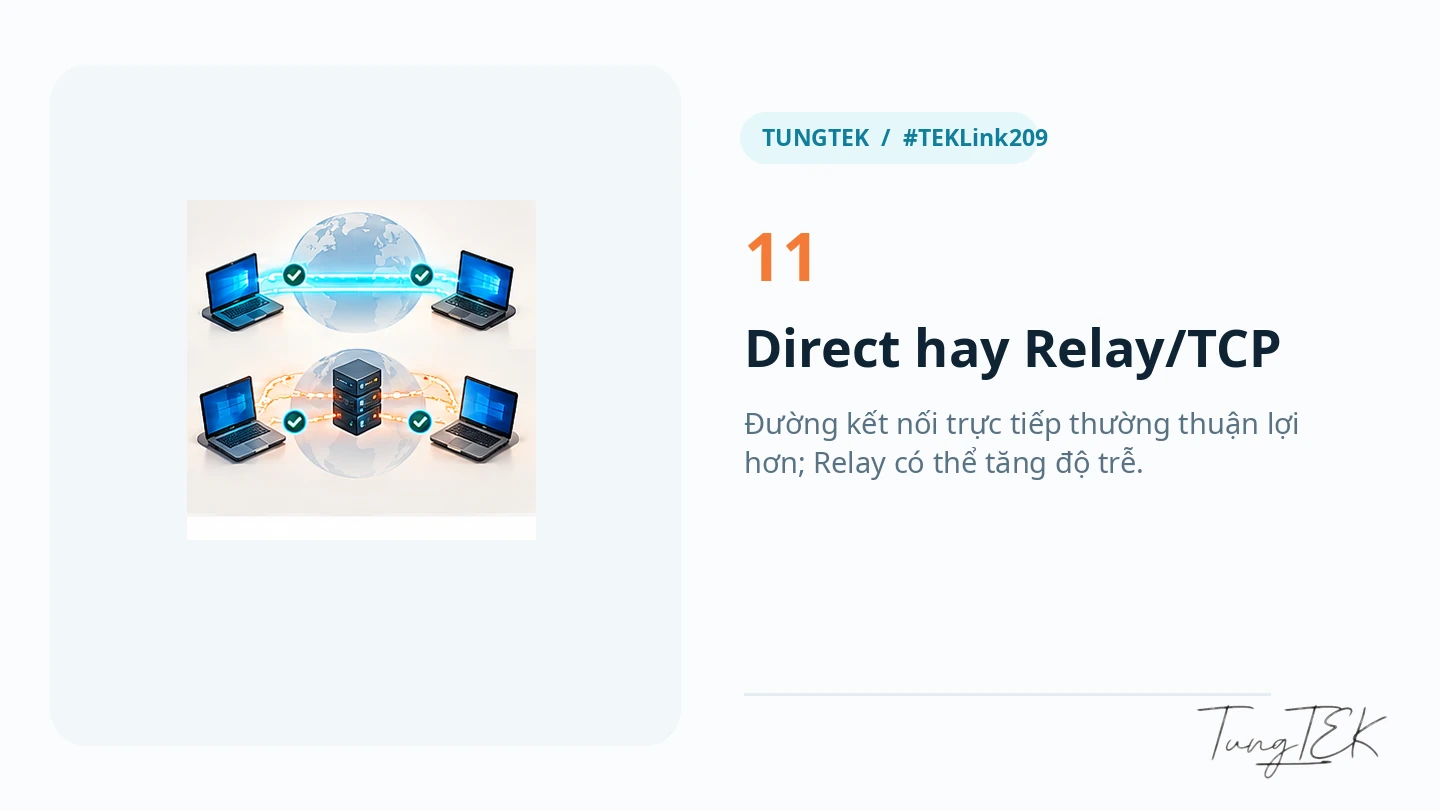
There is no universal three-click fix that guarantees lower ping. Ask for measurements on the actual network before accepting performance claims.
9. A practical troubleshooting table
| Symptom | Check first | A safer next step |
|---|---|---|
| Service not started | Service power button and Windows service state | Start the service in the application; inspect Windows Services and restart if needed. |
| Waiting for response from network adapter | Virtual adapter, driver and other VPNs | Update Windows, inspect conflicts, and reinstall under the official guidance if necessary. |
| No ping response | Correct virtual IP, Online status and ICMP policy | Test the intended TCP service instead of opening all firewall rules. |
| Cannot join the network | Exact name, password and whether the network still exists | Confirm membership and credentials with the network owner. |
| LAN game not visible | Game version, host, firewall and discovery support | Try virtual-IP joining if the game supports it and check its required traffic. |
| RDP fails | Host edition, RDP configuration, TCP port and account rights | Use Test-NetConnection, then inspect NLA and login permissions. |
| SMB access denied | Network type, share/NTFS permissions and firewall | Use a suitable private network and scoped ACLs; avoid Everyone Full Control. |
| Relay/TCP or unstable performance | NAT, ISP, Internet quality and other VPNs | Evaluate the actual path; do not assume a direct connection is always possible. |
| Installer error 1603 | Installer, permissions, conflicts and Windows | Follow official troubleshooting and open a support ticket if it persists. |
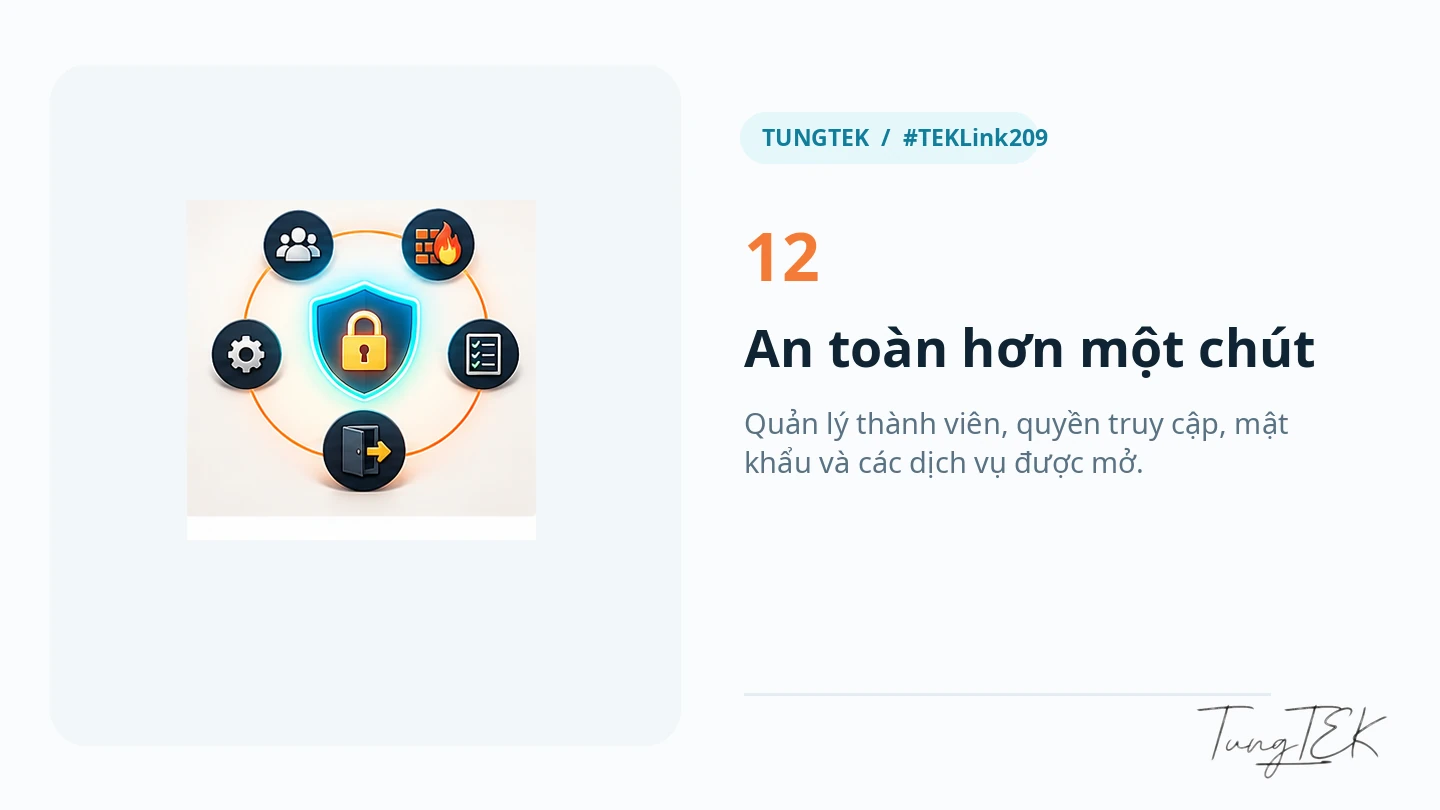
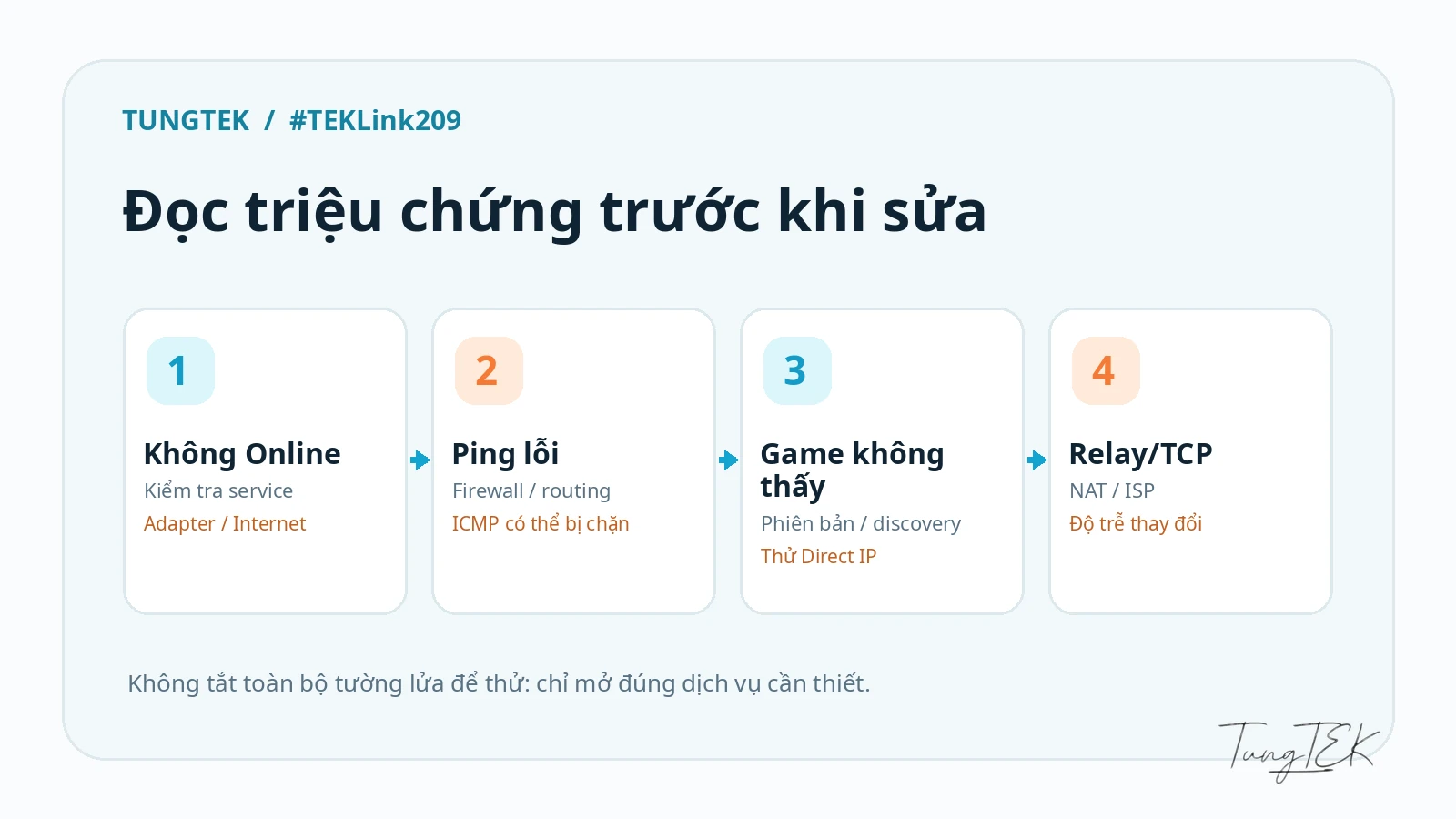
Recommended order: application status → virtual adapter → IP and network membership → firewall → application ports and permissions → NAT and ISP. Work through the layers so an RDP permissions problem does not turn into an unnecessary VPN reinstall.
10. Seven rules for work deployments
- Use private networks. Keep sensitive work devices away from public gaming networks.
- Share network credentials appropriately. Rotate credentials or replace the network when access changes or a secret is exposed.
- Limit membership and service permissions. VPN membership must not automatically mean access to files or desktop control.
- Keep the firewall enabled. Scope exceptions to the required application, port and permitted sources.
- Use strong service authentication. Review Windows, RDP or Radmin Server access and logging against organizational policy.
- Update software and Windows. Review configuration changes and remove networks no longer needed.
- Evaluate centrally managed access when required. SSO, device compliance, detailed authorization and auditing may call for a different solution.
The vendor advertises a no-log policy and AES-256 encryption. Treat these as vendor statements rather than an independent assurance for every environment or a replacement for risk assessment. See the vendor security page.
11. When is Radmin VPN a good fit?
It can suit a small Windows group, compatible LAN games, an IT lab or a straightforward connection between remote PCs. Reconsider the fit for multiple operating systems, mobile devices, many network segments, or complex Zero Trust and audit requirements.
Depending on the requirements, WireGuard, Tailscale, ZeroTier or a managed VPN/access architecture may be worth evaluating. These are options to research, not a claim that one product is best for every deployment.
12. Frequently asked questions
Is Radmin VPN completely free?
Famatech describes it as free without advertisements or paid features. Radmin Server is a separate remote-control product with its own licensing terms.
Does it support Windows 11?
Yes. The vendor currently lists Windows 11, 10, 8 and 7. Compatibility does not mean each operating system still receives standard security support.
Does installing it change my public IP for browsing?
Do not use it as an IP-hiding consumer VPN. Its main purpose is connecting devices through a virtual LAN.
Does failed ping prove the VPN is broken?
No. ICMP can be blocked while the intended TCP service remains reachable. Check the actual peer IP, status and service port.
Must I forward router ports?
Its purpose is to connect devices behind NAT and firewalls without manual forwarding for every session. Restrictive networks may still require a relay or may prevent the connection entirely.
Can macOS computers or phones use it directly?
The official documentation focuses on Windows. For macOS, Linux or mobile devices, verify a solution that explicitly supports the required platforms.
13. Simple connectivity still needs deliberate access control
The useful starting point remains Create Network → Join Network → Test connectivity. IT teams should add three priorities: permissions, firewall policy and monitoring.
A virtual LAN can make remote connectivity convenient without handing every peer the keys to your files. Configure it for the actual need, measure the result, and keep the doors locked where they should be.
🇻🇳 Data incident? Call TUNGTEK. TUNGTEK — IT & Cloud Services
References
This guide updates the earlier TUNGTEK Radmin VPN article and was checked against the official website, Help, Security, and Radmin Server/Viewer downloads on 12 October 2026. Unverified limits and performance promises from older material are not treated as current specifications.
All drawings illustrate concepts. They are not application screenshots, benchmarks or evidence of a test on physical PCs.
Windows lifecycle and RDP hosts
Windows 10 22H2 ended standard support on 14 October 2025. ESU and LTSC editions have separate conditions and lifecycles. Check Microsoft Lifecycle, Windows 10 ESU, and supported RDP host configurations before deployment. Windows Home is not a built-in RDP host by default.