
9 Public DNS Services in 2026: Performance, Security, and Privacy Compared
🔗 #TEKLink206 — link.tungtek.com/206
Read the analysis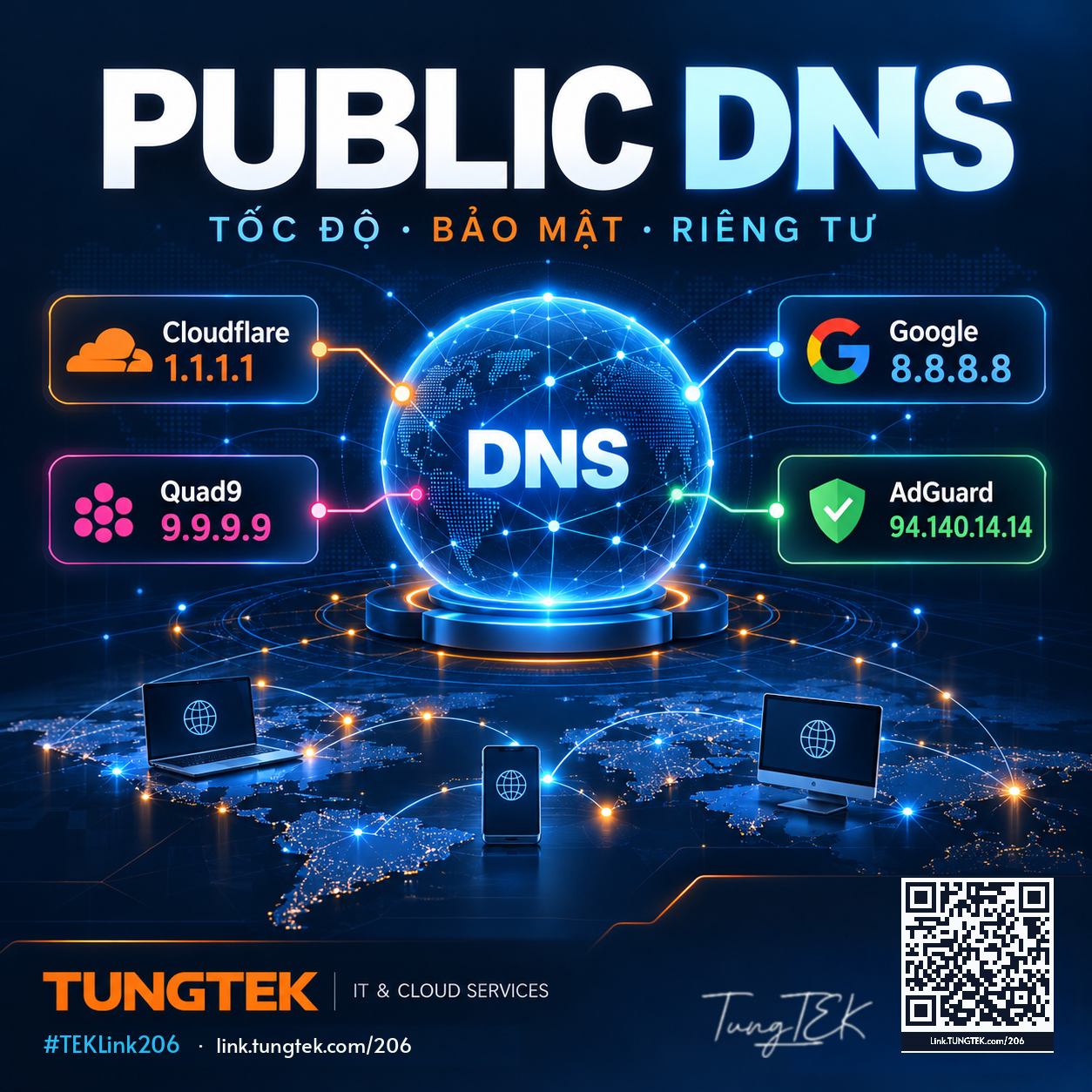
Contents · 10 sections
Choosing a DNS resolver is a network design decision, not simply changing two IP addresses. The right service may lower DNS query latency, improve reliability, and block selected malicious domains. But changing DNS does not increase your internet plan's bandwidth, and no resolver is guaranteed to be fastest in every country or ISP.
1. What is Public DNS?
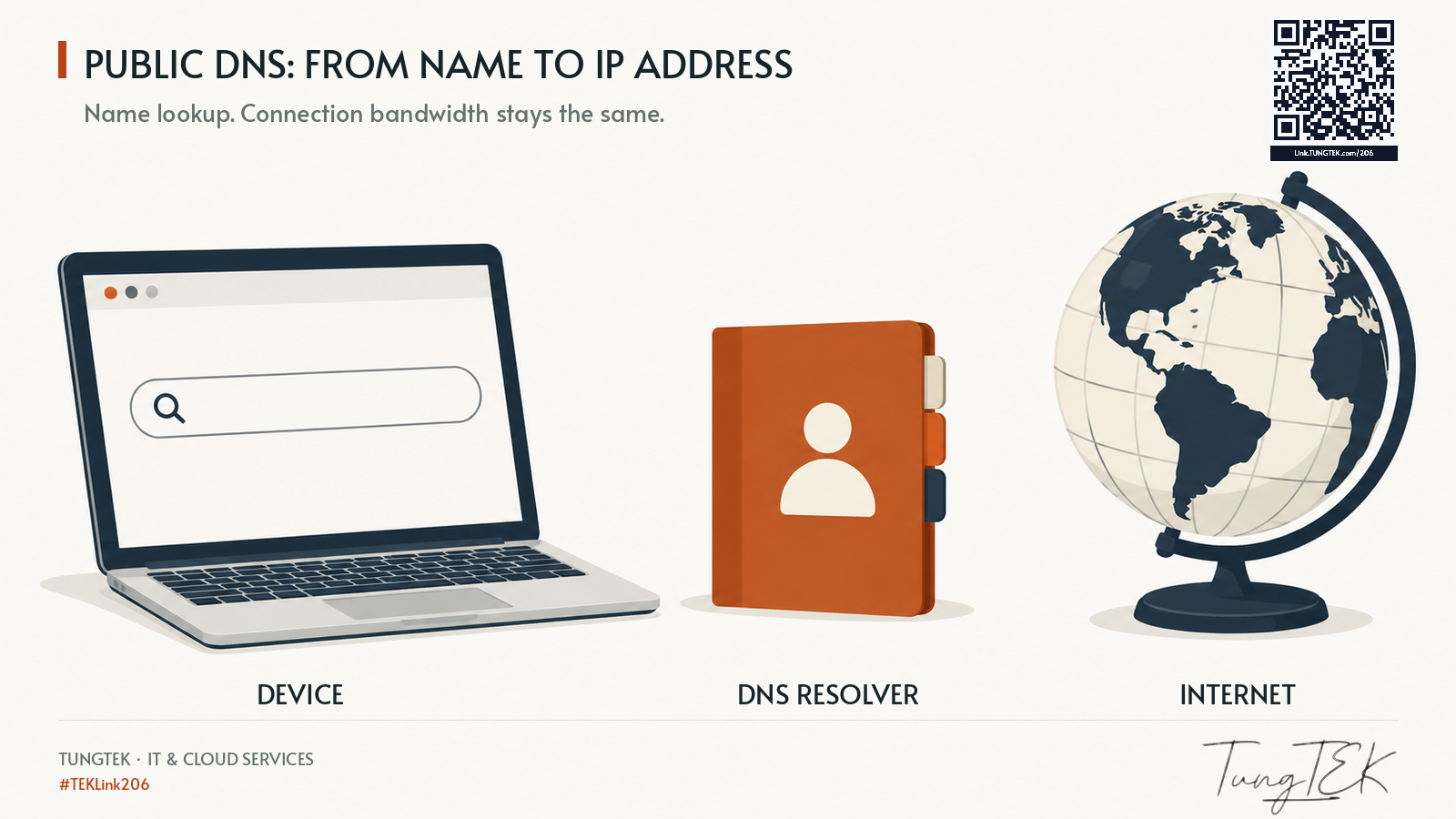
The Domain Name System translates names such as tungtek.com into IP addresses. A public recursive resolver is an alternative to your ISP-provided resolver. The main considerations are resolution latency, reliability, privacy commitments, filtering policy, and operational compatibility.
2. Address comparison
| Provider | Primary IPv4 | Secondary IPv4 | Main use |
|---|---|---|---|
| Cloudflare | 1.1.1.1 | 1.0.0.1 | General resolver, unfiltered by default |
| Google Public DNS | 8.8.8.8 | 8.8.4.4 | General-purpose resolver; DoH/DoT |
| Quad9 | 9.9.9.9 | 149.112.112.112 | Threat intelligence–based malware blocking |
| AdGuard DNS | 94.140.14.14 | 94.140.15.15 | Default ad/tracker filtering |
| Cisco OpenDNS | 208.67.222.222 | 208.67.220.220 | General DNS; FamilyShield variant |
| NextDNS | 45.90.28.0 | 45.90.30.0 | Generic endpoint; profile-specific setup required for custom policies |
| CleanBrowsing Family | 185.228.168.168 | 185.228.169.168 | Family and adult-content filtering |
| Comodo Secure DNS | 8.26.56.26 | 8.20.247.20 | Public security-oriented DNS |
| Historical Verisign / Neustar | 64.6.64.6 | 64.6.65.6 | Service transferred to Neustar in 2020; verify current support |
On small screens, swipe the table horizontally or use arrow keys when the table is focused.
Important: This table is not a speed ranking. Do not combine filtering and unfiltered services as preferred/alternate DNS, or your filtering policy may become inconsistent.
3. Provider selection notes
Cloudflare and Google
Cloudflare's standard 1.1.1.1 does not block malware or ads by default. Its Families variants include malware blocking (1.1.1.2 / 1.0.0.2) and malware plus adult content (1.1.1.3 / 1.0.0.3). Google Public DNS is a widely supported general resolver with DoH and DoT. Benchmark both over your own ISP before drawing performance conclusions.
Quad9
The recommended 9.9.9.9 service validates DNSSEC and rejects many known malware and phishing domains. This mitigates a subset of threats, not every attack or direct-IP connection.
AdGuard and CleanBrowsing
AdGuard's default addresses block many advertising and tracker domains, but DNS-level filtering cannot remove every in-page advertisement. AdGuard Family uses 94.140.14.15 / 94.140.15.16. CleanBrowsing Family uses 185.228.168.168 / 185.228.169.168 for family-focused restrictions and security filtering.
Cisco OpenDNS
OpenDNS is part of Cisco. FamilyShield uses 208.67.222.123 / 208.67.220.123, which differs from the ordinary OpenDNS pair. Review the exact service tier before assuming custom filtering is enabled.
NextDNS
NextDNS provides per-profile blocklists, privacy settings, and policy controls. The generic addresses above are not a substitute for the personalized endpoints shown in an account's setup screen. Configure DoH/DoT or the assigned linked-IP addresses; keep WAN-IP linkage up to date on dynamic connections.
Comodo and the legacy Verisign addresses
Comodo still lists 8.26.56.26 / 8.20.247.20 on its official Secure DNS website. Verisign Public DNS was transferred to Neustar in November 2020 and folded into UltraDNS Public, so do not describe it as an unchanged, separate 2026 provider. Verify operational guidance before production use.
4. Choose by requirements
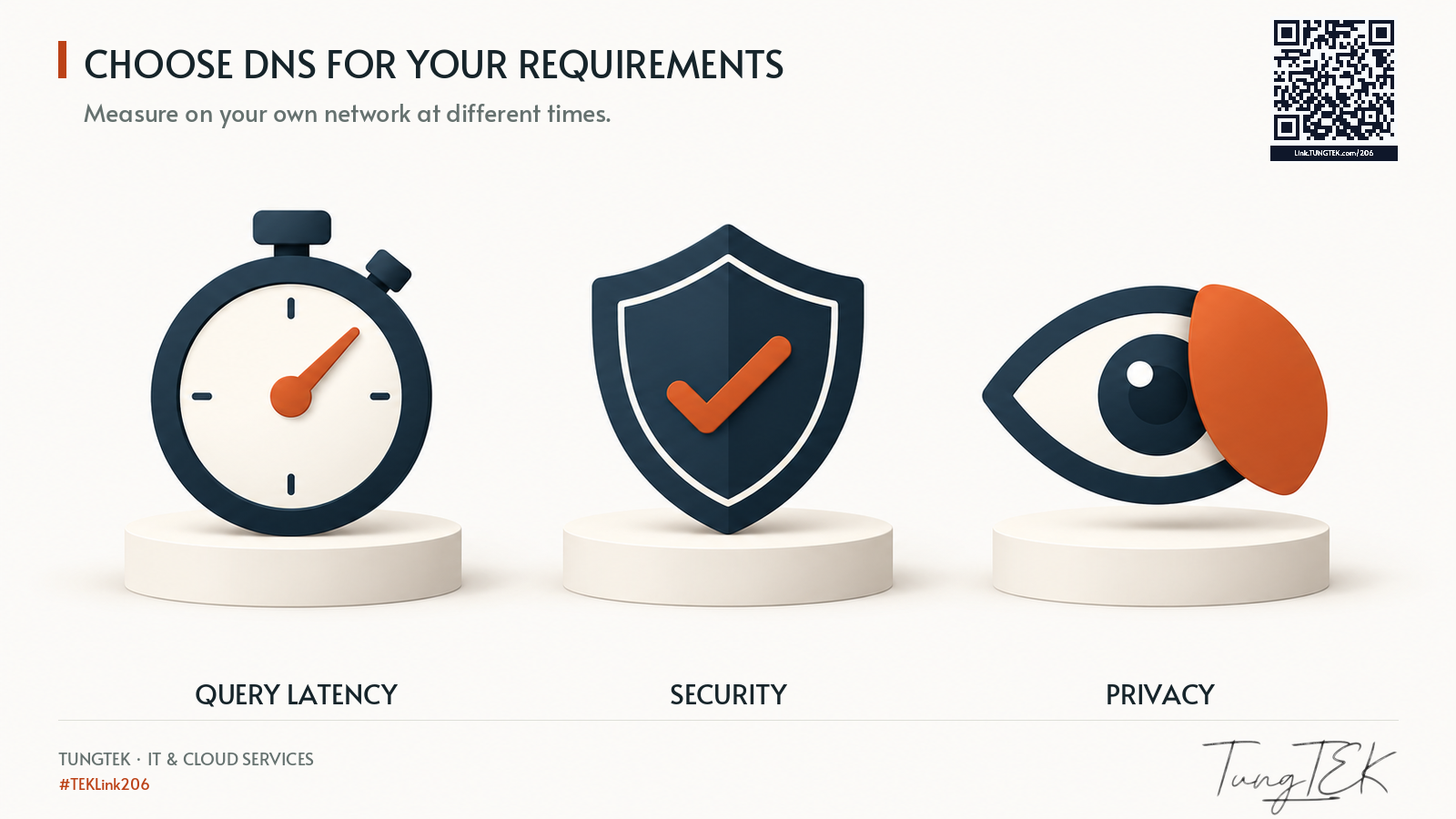
For regular browsing, compare Cloudflare and Google with measurements on your network. For domain-based malware reduction, examine Quad9 or Cloudflare Families. For ad and tracker filtering, consider AdGuard or correctly configured NextDNS. For family content filtering, compare CleanBrowsing Family, Cisco FamilyShield, and Cloudflare Families. For enterprise Active Directory environments, retain internal DNS and use controlled forwarding policies.
5. Configure and verify on Windows 11
Open Settings → Network & internet → Wi-Fi/Ethernet → DNS server assignment → Edit, select Manual, enable IPv4, and enter both resolver addresses from the same provider. Enable DNS over HTTPS only where your chosen provider supports the selected endpoint.
Get-DnsClientServerAddress -AddressFamily IPv4
Resolve-DnsName -Name example.com -Server 9.9.9.9
nslookup example.com
The explicit -Server 9.9.9.9 command tests Quad9 directly; it does not prove that Windows uses Quad9 as its system default.
6. DNSSEC, DNS-over-HTTPS and DNS-over-TLS
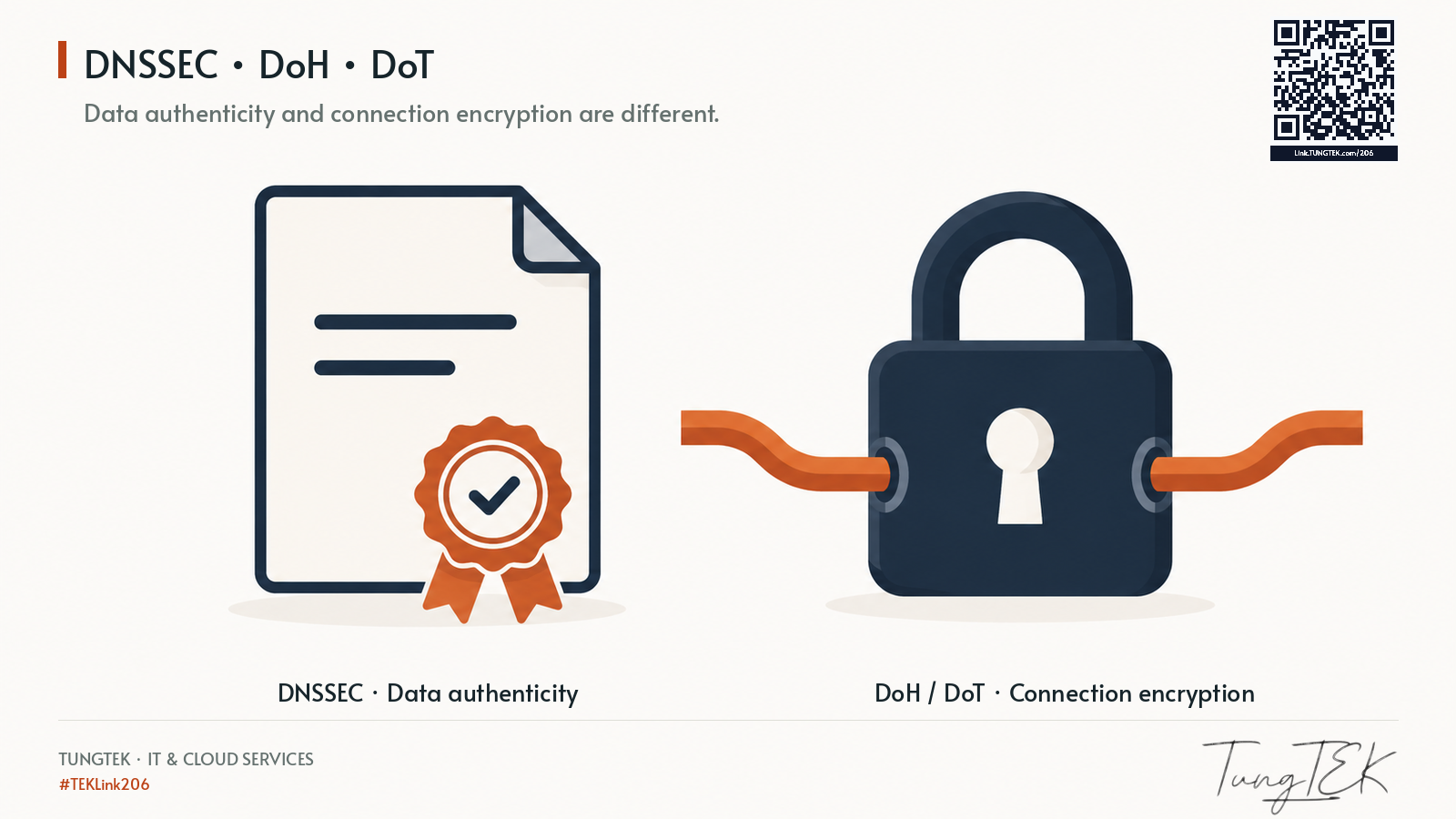
Encrypted DNS: DNS-over-HTTPS (DoH) and DNS-over-TLS (DoT) encrypt the client-to-resolver connection. They do not make users anonymous or replace HTTPS, endpoint security, or a VPN. DNSSEC is different: it authenticates signed DNS data rather than encrypting transport.
7. Evaluate DNS performance and security
For meaningful performance comparisons, measure repeated DNS lookup times, reliability, cache effects and CDN routing. A simple ICMP ping does not measure actual DNS query latency.
8. TUNGTEK technical perspective
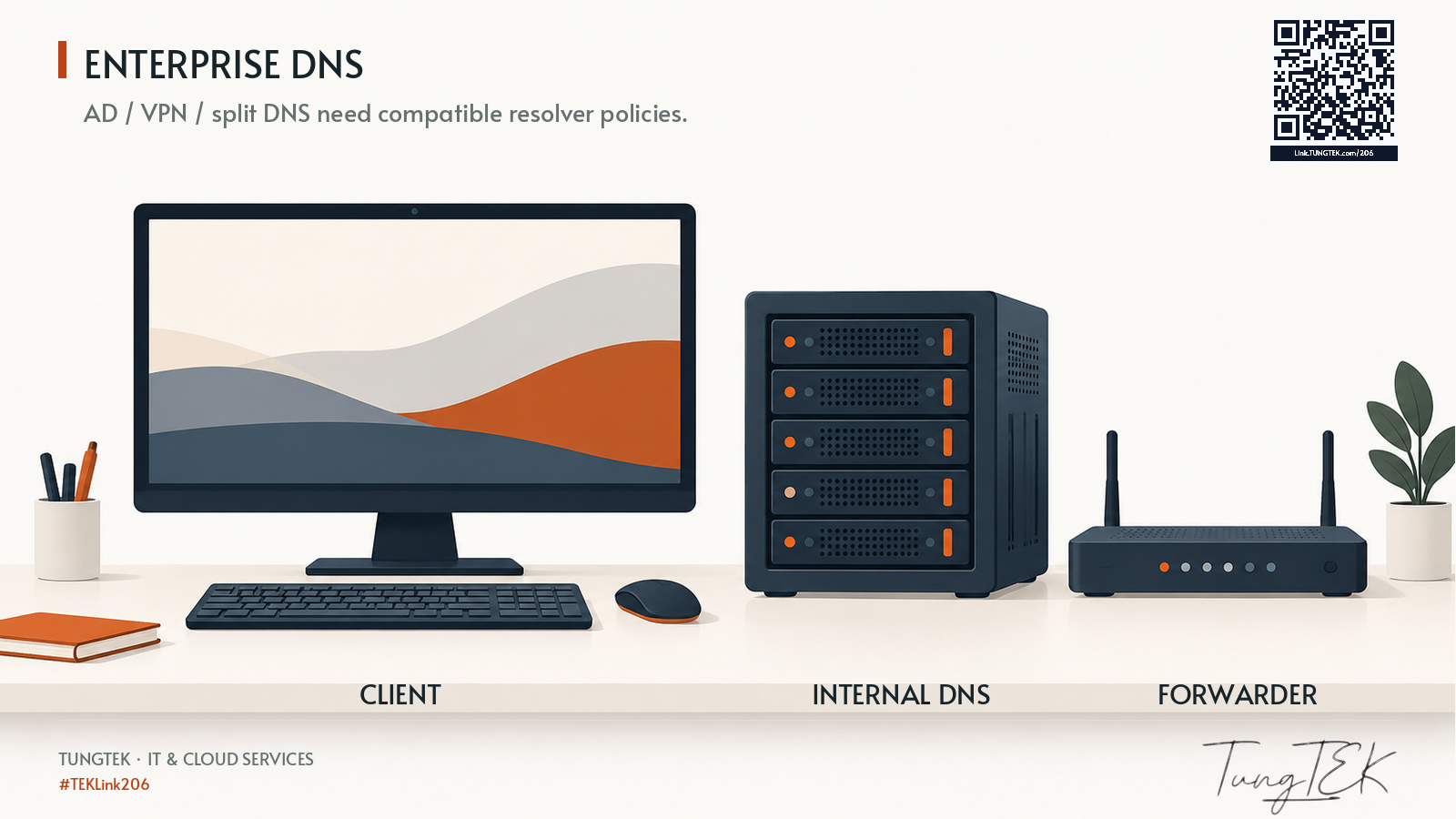
In domain-joined networks and sites using VPN or split-horizon DNS, pointing clients directly at public resolvers can break internal service discovery and authentication. A safer typical architecture is Client → Internal DNS → Controlled forwarder/upstream resolver. DNS filtering remains one layer within a broader defense model that includes MFA, patching, EDR, least privilege, segmentation and tested backups.
9. Conclusion
Bottom line: Select DNS based on your security and operational requirements, then benchmark using your own network and use case—not generic online rankings.
10. Official references
- Cloudflare: https://developers.cloudflare.com/1.1.1.1/ip-addresses/
- Google: https://developers.google.com/speed/public-dns/docs/using
- Quad9: https://docs.quad9.net/services/
- AdGuard: https://adguard-dns.io/en/public-dns.html
- Cisco OpenDNS: https://www.cisco.com/c/en/us/support/docs/security/umbrella/225802-configure-opendns-on-windows-11-macos.html
- NextDNS: https://help.nextdns.io/t/g9hmvan/what-is-linked-ip
- CleanBrowsing: https://cleanbrowsing.org/setup
- Comodo: https://www.comodo.com/secure-dns/
- Verisign transfer: https://www.businesswire.com/news/home/20201102005121/en/Neustar-Announces-Acquisition-of-Verisigns-Public-DNS-Service
Editorial review: 11 October 2026.
TUNGTEK – IT & Cloud Services
Zalo/Hotline: 0963 509 115
🇻🇳 Sự cố dữ liệu? Gọi TUNGTEK.
TEKLink: https://link.tungtek.com/206